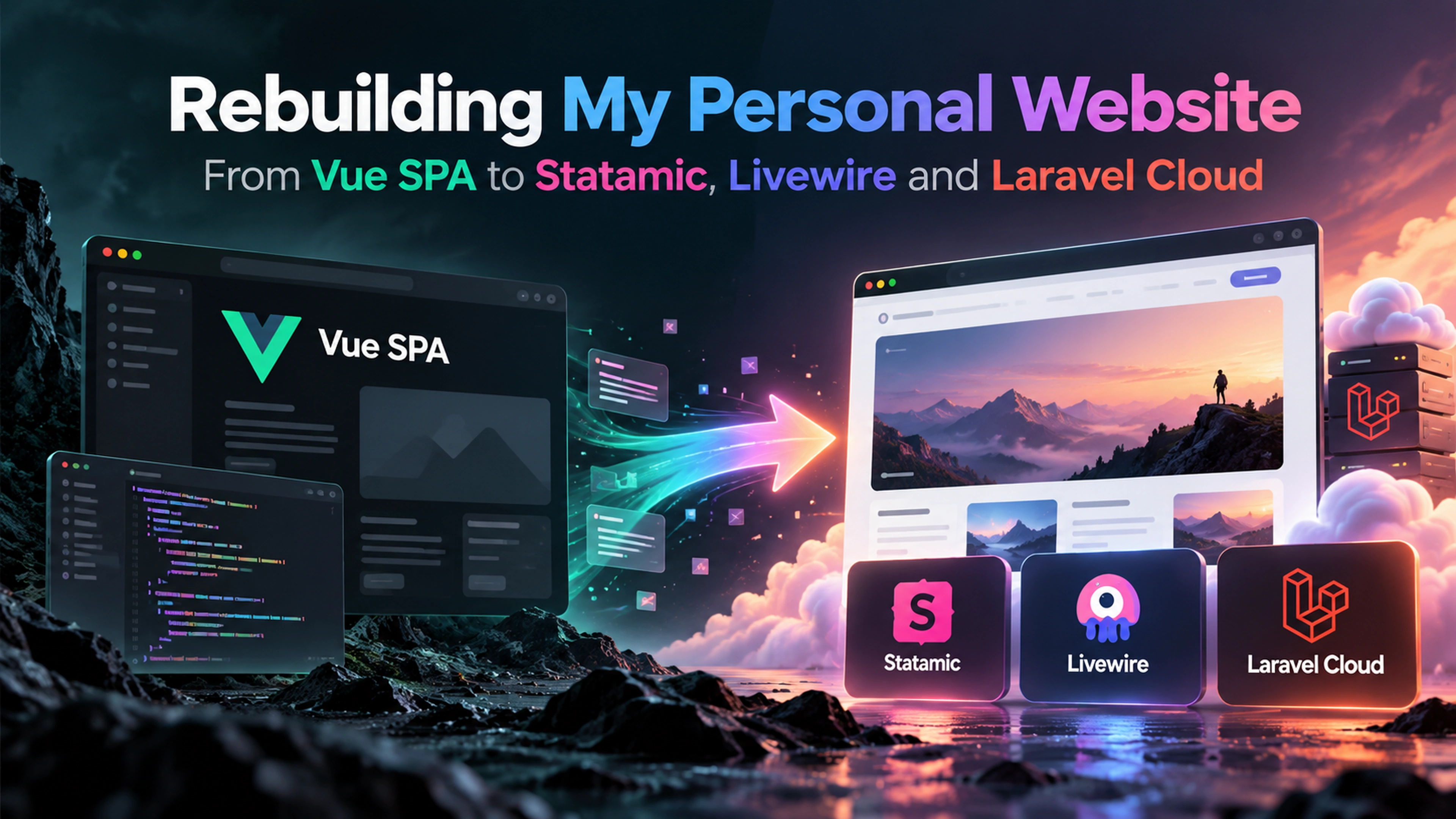
My personal website has been redesigned from the ground up. It started as a Vue SPA with a Laravel API behind it, and it now runs on Statamic, Livewire and Laravel Cloud. This post covers why I did it, what changed, and what I learned along the way.
Where It Started
I always wanted to learn a frontend framework, and I chose Vue.js because it is very popular in the Laravel community. My portfolio became the project where I learned it. The frontend was a Vue SPA, and the CMS behind it was powered by a Laravel API and Vue.js. The styling was vanilla CSS, and the build tooling was webpack.
It did its job. I learned a lot about components, routing and state, and about wiring a JavaScript frontend to an API. But over time the cracks showed:
Vanilla CSS and webpack felt outdated compared with how I build things now.
The code had turned into spaghetti code.
The site had no SEO at all.
Most of these problems came from outdated technologies, so I decided to rebuild the site from scratch with modern ones.
Why Redesign It
I had three goals for the rebuild:
Modernise the stack. Move away from outdated tools like vanilla CSS and webpack, and adopt the tooling I use today, such as Tailwind CSS and Vite.
Learn Statamic. Just like the first version was my way of learning Vue.js, this version was my way of learning Statamic by building something real with it.
Add a blog. I wanted a place to write about what I build, learn and share with others.
Why Statamic
Statamic is very popular in the Laravel community as a CMS, so I wanted to try it for my website. Because it is Laravel under the hood, I could stay in the ecosystem I work in every day and still get a proper content-management experience out of the box.
What convinced me to switch was how easy it is to edit collections, blueprints, and fields directly from the control panel. Plus, it comes with features like two-factor authentication and passkey support.
Designing the Site with Claude Design
For the visual design of the new site, I used Claude Design. The main reason I chose is that I can hand my design directly to Claude Code, which then builds it for me.
For the UI components, I use Flux UI Pro, which fits naturally with Livewire and gives me a solid set of components without having to build everything from scratch.
Building It with AI
I also used AI throughout the build. For writing the code, I used Claude Code with Opus 5.5 and Fable 5.1, together with Laravel Boost, which gives AI tools Laravel specific context so they write code that fits the framework and the project.
For code review, I used GPT 6.1 Sol as a second pair of eyes. I kept the effort level on medium for all the models.
Key Changes
1. From Laravel and Vue SPA to Statamic
The biggest change was architectural. Instead of a JSON API feeding a client-side app, the site is now rendered on the server through Statamic. A few decisions shaped how it works:
Blade over Antlers: Statamic ships with its own templating language, Antlers, but I chose Blade. I am a Laravel developer and very comfortable with Blade, so I could build the site faster without learning a new syntax. It also pairs naturally with Livewire.
Database over flat files: By default, Statamic stores content in flat files, which works best when you commit content to Git and deploy it with your code. The free version of Statamic does not include the Git integration, and in practice I was editing content directly on production. That meant the content on the server and the content in my repository could drift apart. Storing content in the database removed that problem.
Livewire components: Where the site needs interactivity, I use Livewire. The best example is the new blog index page, which uses Livewire for search and tag filtering. I get instant, dynamic results without shipping a whole SPA, and I keep writing PHP and Blade instead of maintaining a separate frontend application.
Half static caching: Statamic offers different static caching strategies. I went with half static caching, which caches pages on the application side while still letting the app respond to requests. This keeps pages fast without the complexity of a fully static setup.
2. From DigitalOcean Droplets to Laravel Cloud
The old site ran on a DigitalOcean Droplet, which meant I had to manage the server and take care of deployments myself.
For a personal site, that is a lot of overhead. Moving to Laravel Cloud means I can focus on the application and let the platform handle the infrastructure.
3. From Local Files to an AWS S3 Bucket
Uploaded assets used to live on the server's local disk, but they now live in an AWS S3 bucket.
4. Cloudflare Asset Caching
With assets in S3, I put Cloudflare in front for caching, so assets are served from the edge rather than fetched from S3 on every request. I followed this excellent guide: Speed Up Your Images: Complete Guide to Cloudflare CDN + Amazon S3
The setup comes down to two pieces working together:
Cache Rules control what gets cached and for how long. Without them, Cloudflare may not cache your files as aggressively as you want.
Cloud Connector routes requests to the S3 bucket correctly. It takes care of details like the Host header that S3 is picky about, but it does not handle caching, so you still need the cache rules.
5. Setting Up SEO
My old site had no SEO at all, so fixing that was a priority. Statamic made it easy. I created a fieldset called Meta Data that contains a Meta Title and Meta Description, and added it to all of my pages. Because it is a reusable fieldset, I only need to define the fields once, and every page gets them.
Each page can now have its own title and description for search results, and I can change or extend the fields in one place later. The site now covers all the basic SEO essentials, including meta tags and a sitemap.
Wrapping Up
Rebuilding my personal website with Statamic, Livewire, and Laravel Cloud has made it simpler to manage, easier to update, and a much better fit for how I work today.
If you have any questions about the rebuild, the technologies I used, or any part of the setup, feel free to reach out.